Calculating image textures with GLCM
glcm can calculate image textures from either a matrix or a Raster* object from the raster package. First install the package if it is not yet installed:
if (!(require(glcm))) install.packages("glcm")The below examples use an image included in the glcm package, a red/green/blue cutout of a Landsat 5 image from 1986 from a Tropical Ecology Assessment and Monitoring (TEAM) Network site in Volcan Barva, Costa Rica. The image is included in the glcm package as L5TSR_1986:
library(raster)
plotRGB(L5TSR_1986, 3, 2, 1, stretch='lin')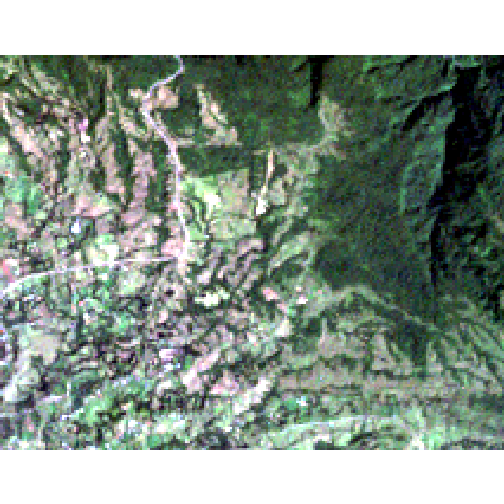
To calculate GLCM textures from this image using the default settings, type:
textures <- glcm(raster(L5TSR_1986, layer=3))where raster(L5TSR_1986, layer=3) selects the third (red) layer. To see the textures that have been calculated by default:
names(textures)
## [1] "glcm_mean"          "glcm_variance"      "glcm_homogeneity"
## [4] "glcm_contrast"      "glcm_dissimilarity" "glcm_entropy"
## [7] "glcm_second_moment" "glcm_correlation"
This shows the eight GLCM texture statistics that have been calculated by default. These can all be visualized in R:
Mean
plot(textures$glcm_mean)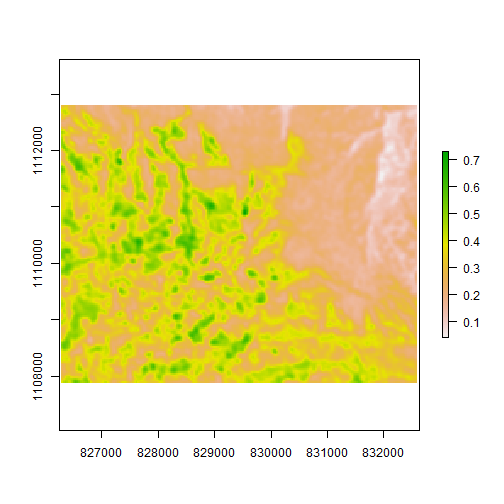
Variance
plot(textures$glcm_variance)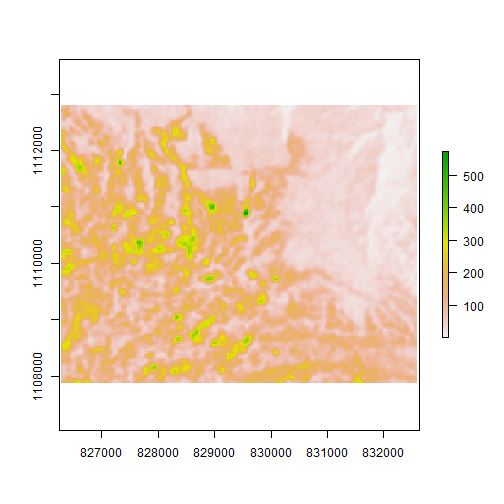
Homogeneity
plot(textures$glcm_homogeneity)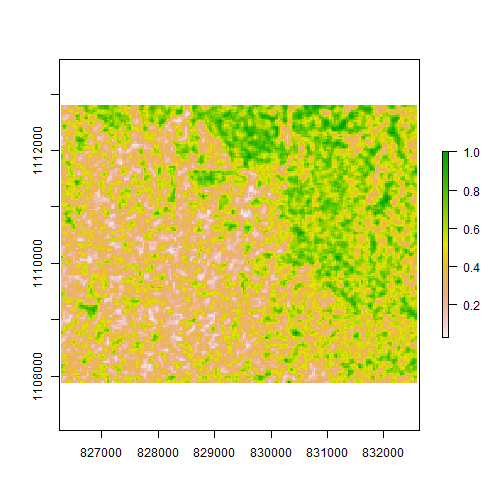
Contrast
plot(textures$glcm_contrast)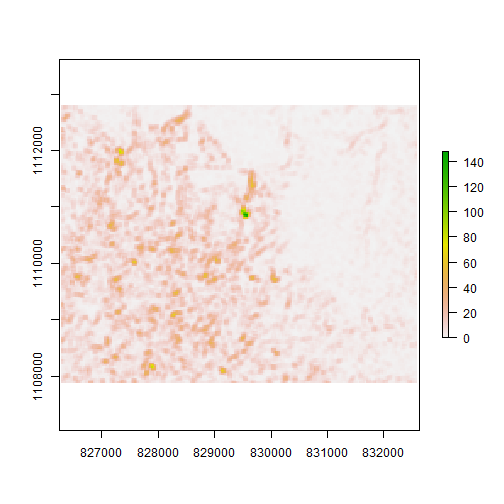
Dissimilarity
plot(textures$glcm_dissimilarity)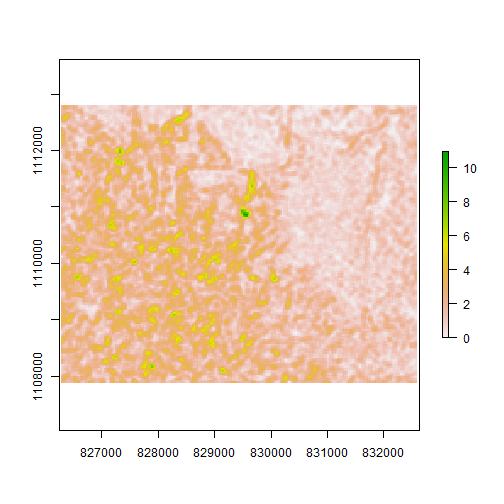
Entropy
plot(textures$glcm_entropy)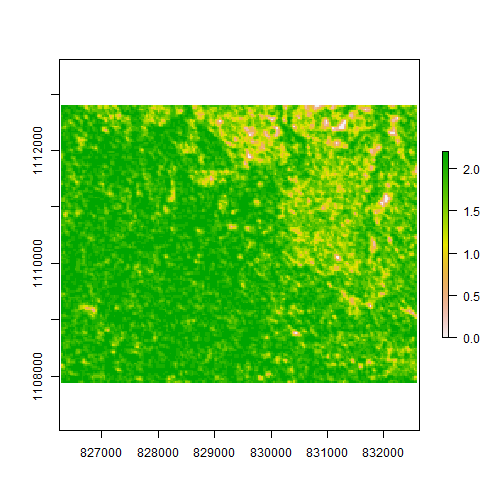
Second Moment
plot(textures$glcm_second_moment)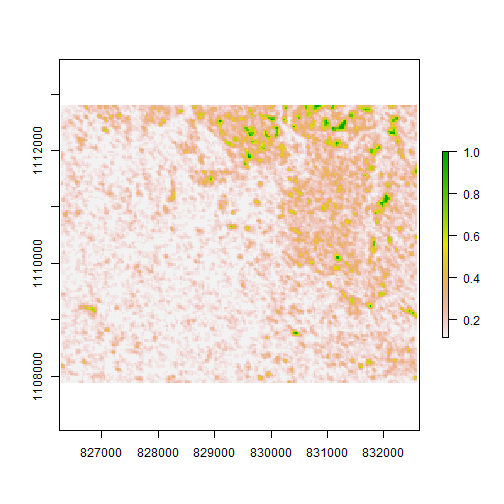
Correlation
plot(textures$glcm_correlation)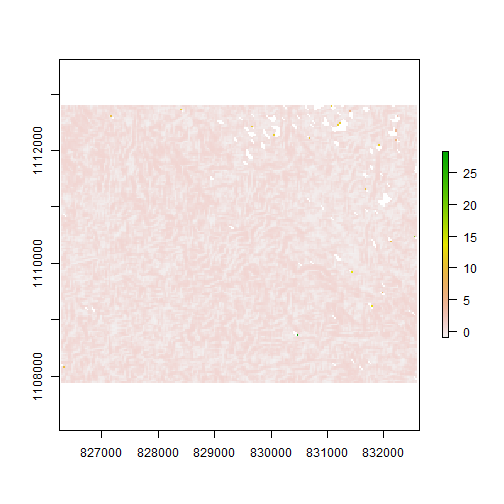
Learn More
The full documentation for the glcm package is available on CRAN.